Filter a Tableau Dashboard using Salesforce 
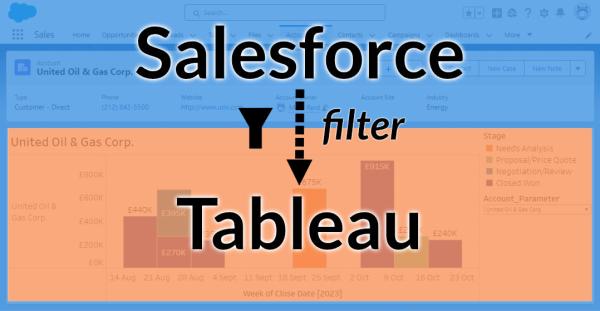
In this follow-up blog post on Embedding Tableau views within Salesforce, I walk through two options for passing filters from the Salesforce UI to Tableau to improve the user experience and ensure your embedded dashboards are showing relevant information.

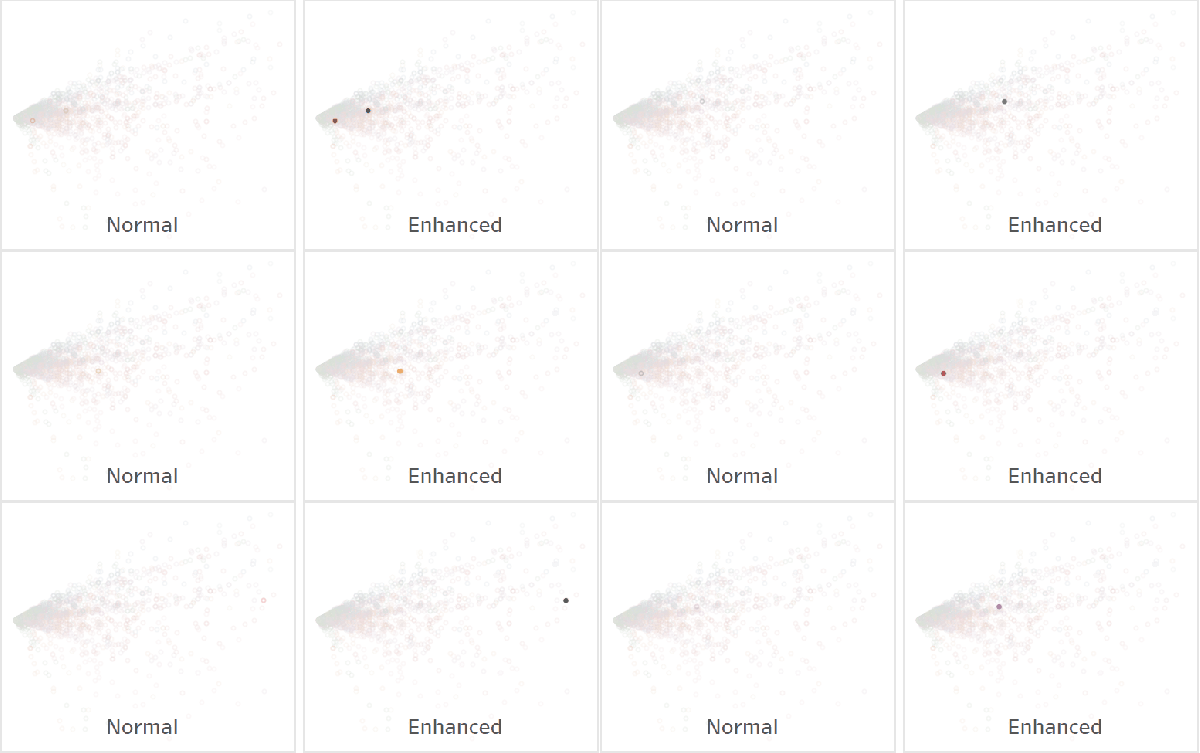
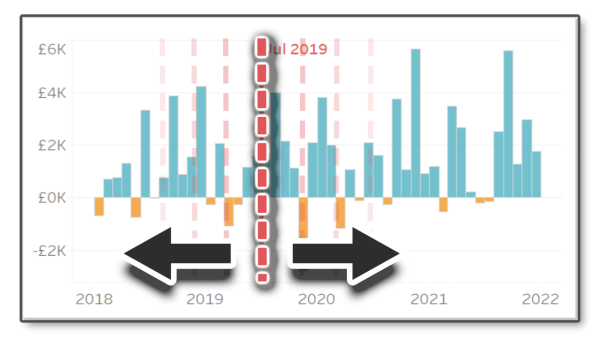
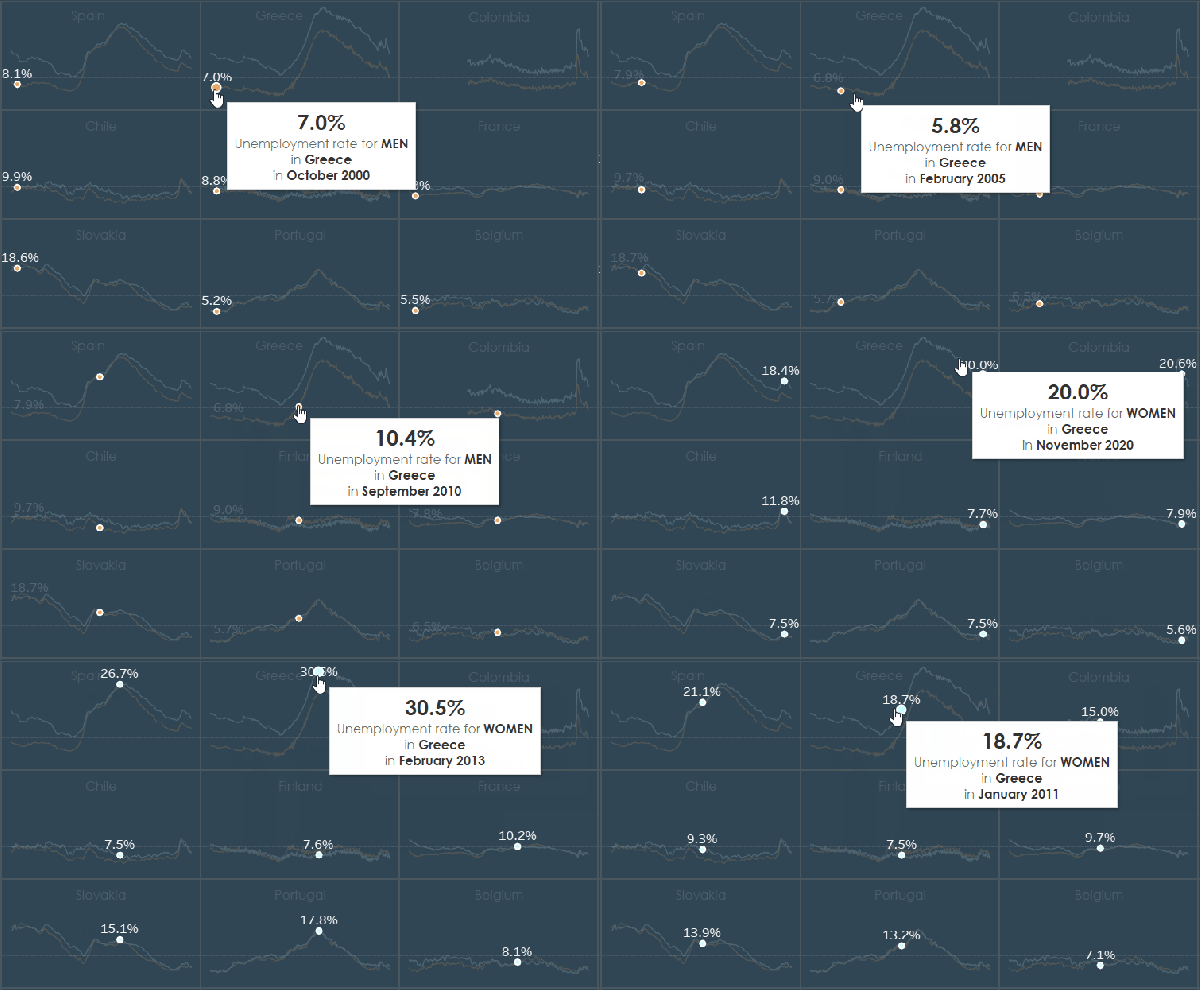
Enhanced Highlight Actions

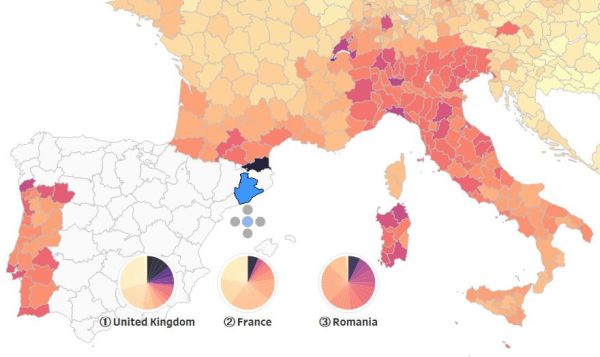
Highlight actions help focus the attention of your dashboard consumers on specific points of interest. Changing the shape of marks and/or making marks fully opaque amplifies that effect. This tip shows you how.

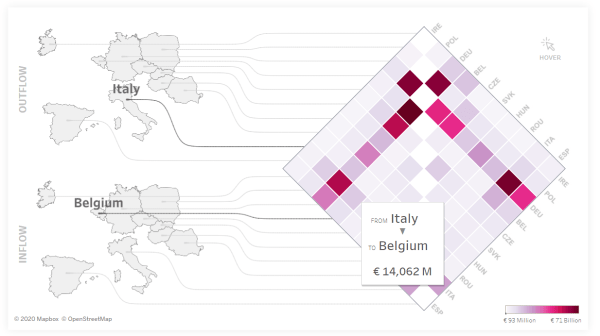
Travel Planner & Emissions Calculator

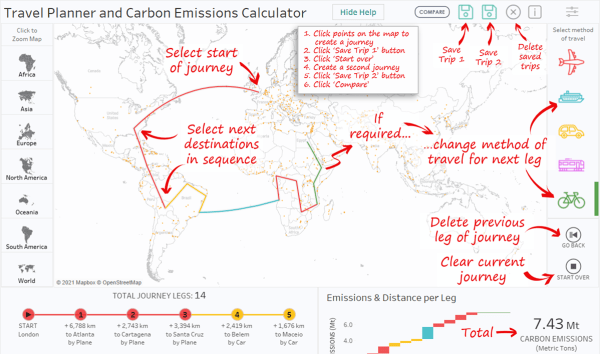
This post highlights some of the techniques used in this travel planner dashboard that allows you to draw out two routes on a map, select the methods of transport and then compare them by distance and carbon emissions.

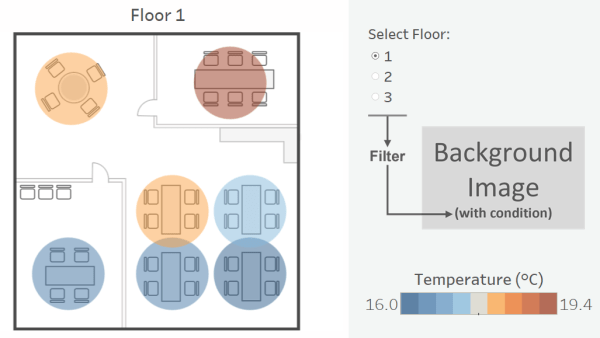
Resizing Marks on a Dashboard

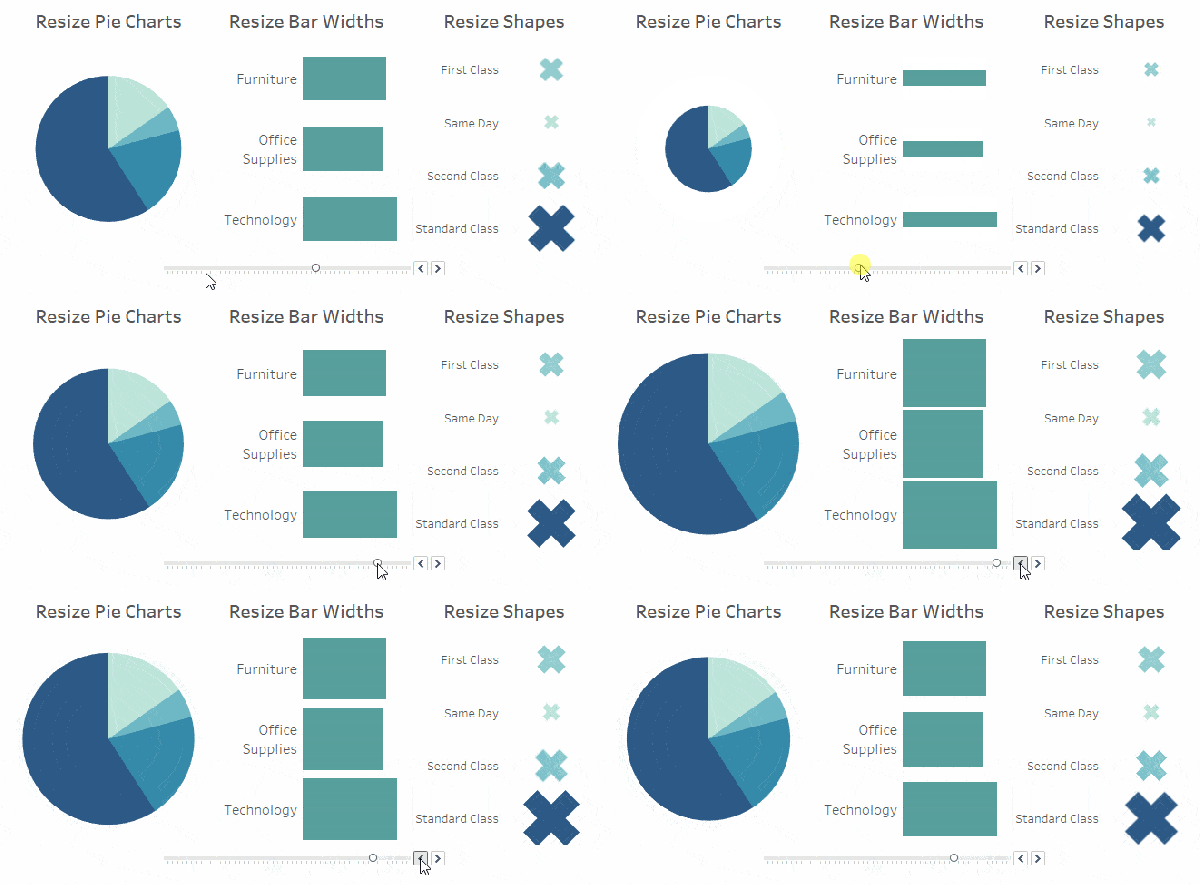
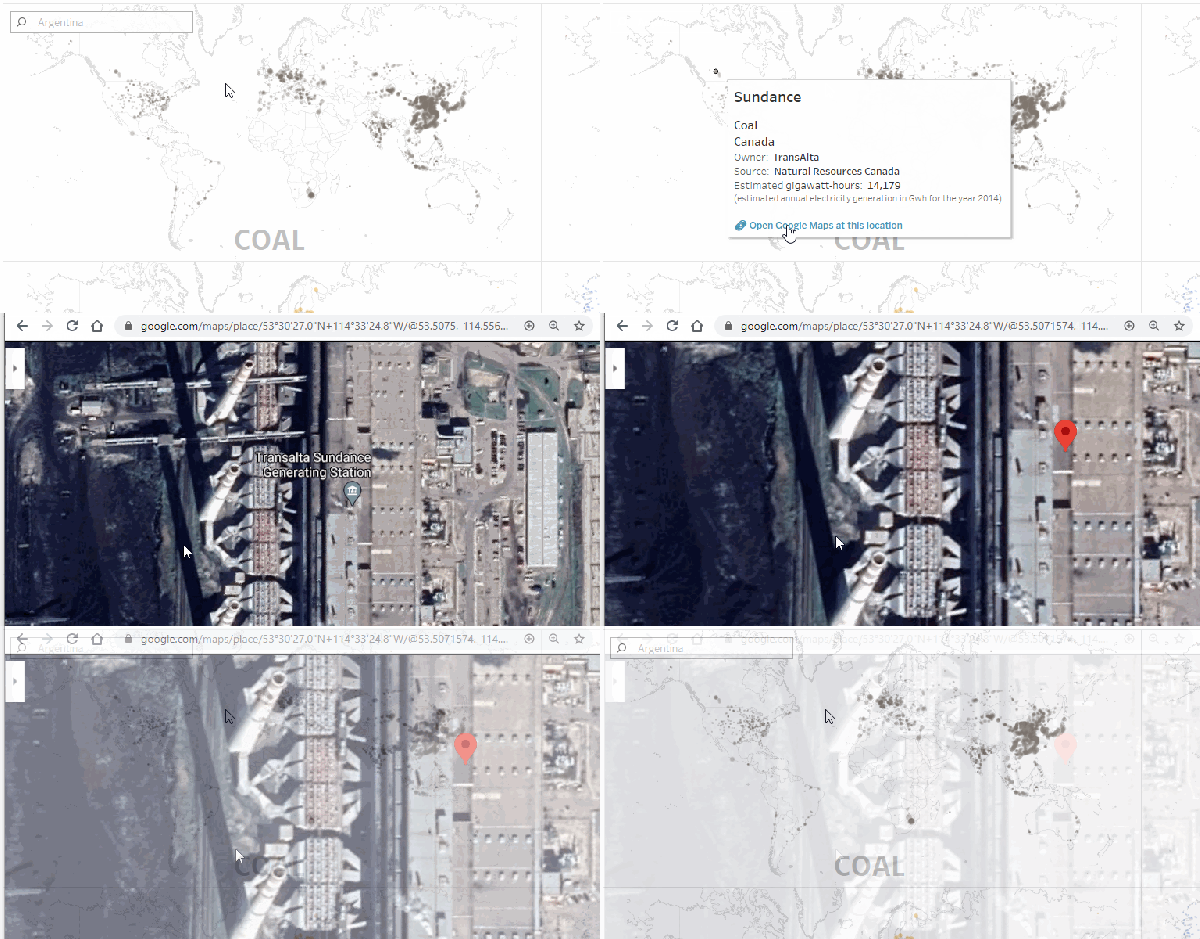
Needing to switch back to a sheet to use the size slider is not always ideal for making fine grained size adjustments on dashboards. This tip shows how you can use a parameter directly on a dashboard instead.

Create a website or blog at WordPress.com

Up ↑