I’ve been writing monthly blog posts on this site for the last five years. This post looks back on why I started, what I’ve learnt, and why I’m stopping.
Reflecting on Five Years of Blogging
Notes on Tableau and Data Visualisation
I’ve been writing monthly blog posts on this site for the last five years. This post looks back on why I started, what I’ve learnt, and why I’m stopping.
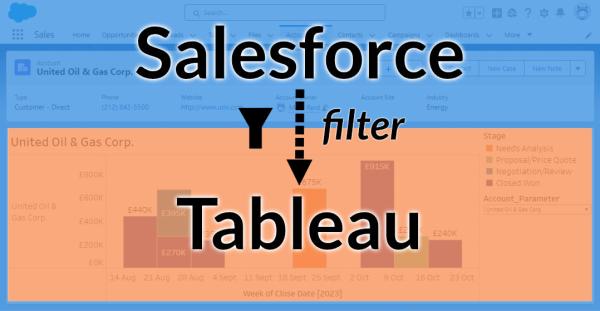
In this follow-up blog post on Embedding Tableau views within Salesforce, I walk through two options for passing filters from the Salesforce UI to Tableau to improve the user experience and ensure your embedded dashboards are showing relevant information.
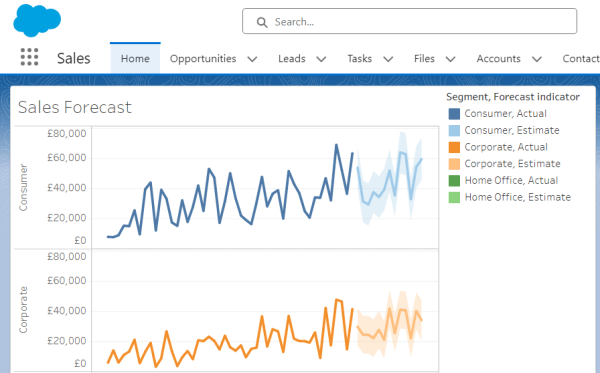
With the new Tableau View Embedding feature in Salesforce, you can now easily embed your Tableau dashboards allowing quick access to insights for Salesforce users.
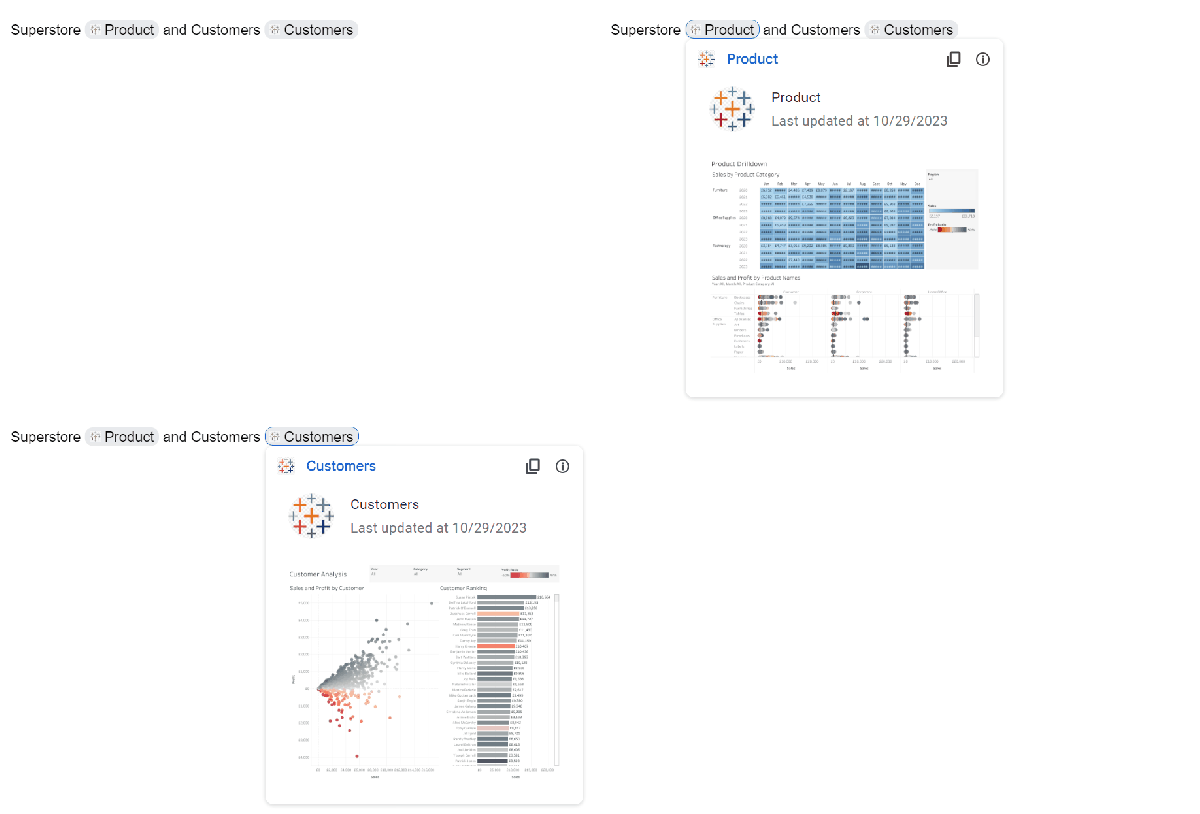
One of the new features in version 2023.3 of Tableau is the ability to use Google smart chips within Google Docs to show a preview of a Tableau Cloud visualisation. What are Google smart chips? Google smart chips are a way to provide a preview to other content, such as appointments, contacts, maps and more.... Continue Reading →

The new Dynamic Axis Ranges feature in v2023.3 enables you to change the chart axis start and end values based on parameters. Combined with parameter actions, this makes your dashboards more dynamic based on user interaction.
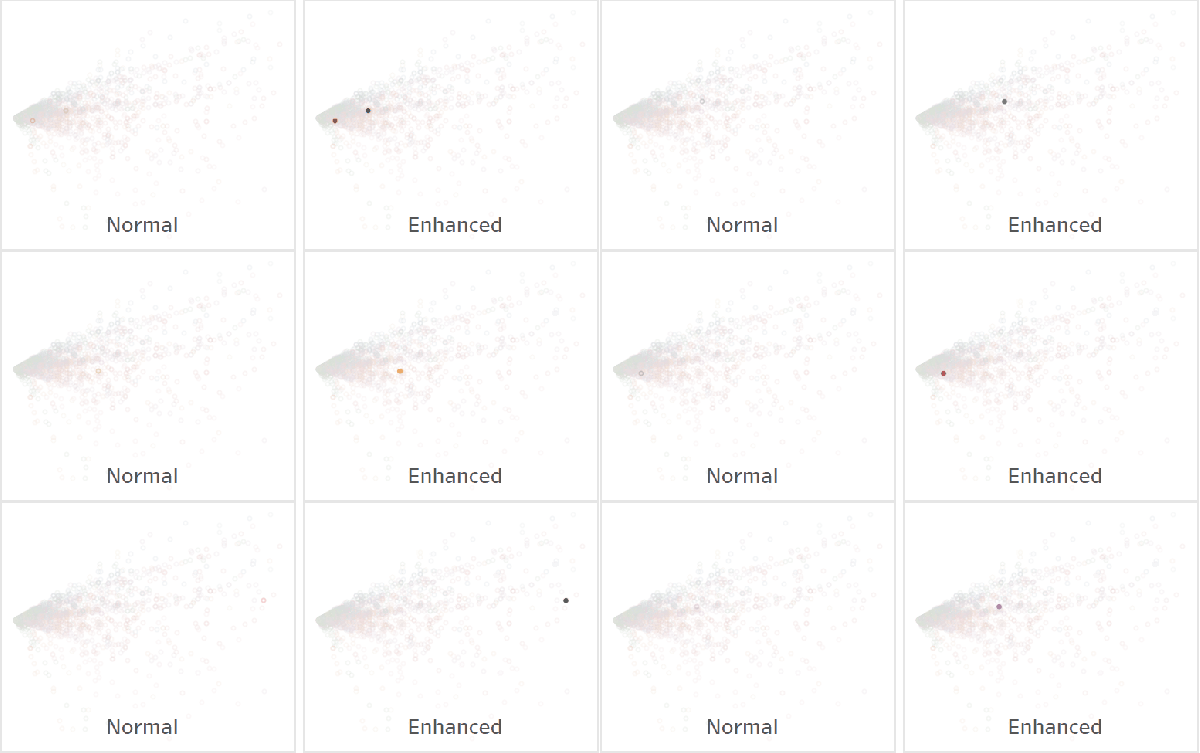
Highlight actions help focus the attention of your dashboard consumers on specific points of interest. Changing the shape of marks and/or making marks fully opaque amplifies that effect. This tip shows you how.

Have you ever wanted to filter a Tableau dashboard to a list of values that you can copy & paste from a spreadsheet or other source? This is actually possible without any hacks using a Multiple Values (custom list) filter. This short blog post shows you how.
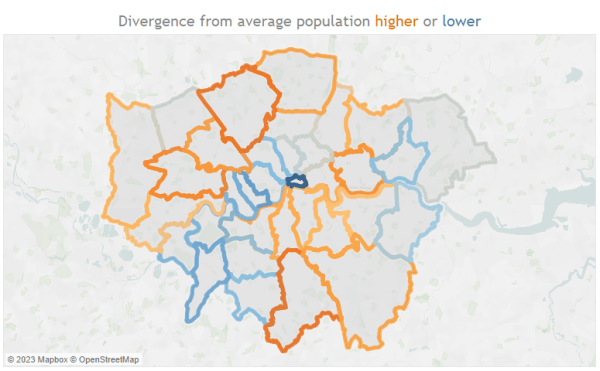
Version 2023.2 of Tableau adds two new spatial functions: OUTLINE and SHAPETYPE. This post introduces the OUTLINE function with a few example use cases including the use of set actions and map layers.
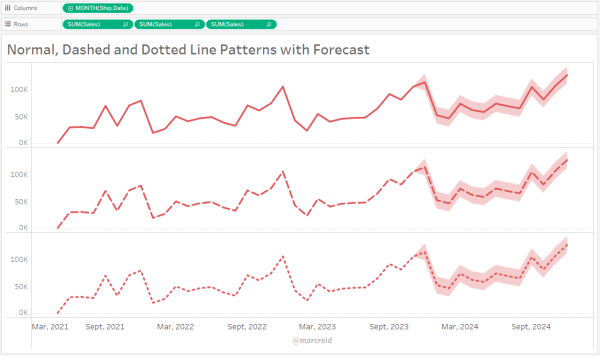
This post takes a quick look at this new formatting feature shipping in version 2023.2 enabling the use of dotted and dashed lines.
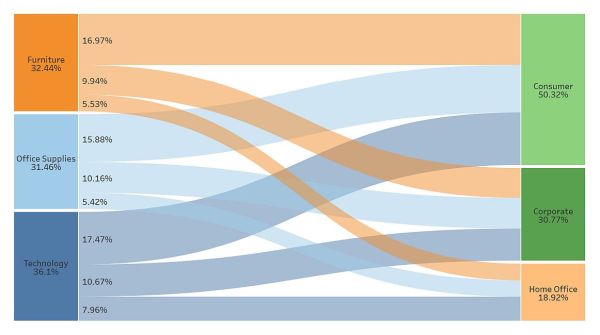
For a limited time, you can now create a Sankey diagram in Tableau Public in under 10 seconds with just a few clicks. Learn more in this step-by-step blog post.

How do you currently format dynamic measure fields in Tableau? This post explores three new functionality ideas to make dynamic formatting easier.

Dot plots are a space efficient way to compare values within one category split by a second category. This post introduces the chart type and provides an example use case.
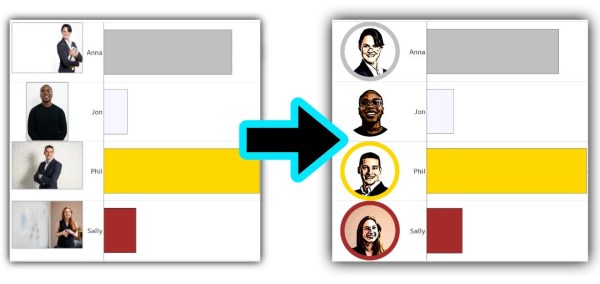
The new image role feature makes using images in headers super easy. Adding the Cloudinary image service makes those headers dynamic and data driven. This post explores how.
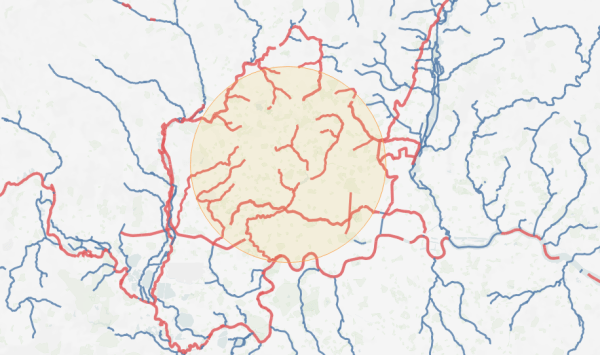
The new INTERSECTS() spatial function, introduced in 2022.4, makes it possible to determine if two spatial objects overlap without needing to perform a spatial join. This post walks through a few examples with points, polygons (buffers) and lines.
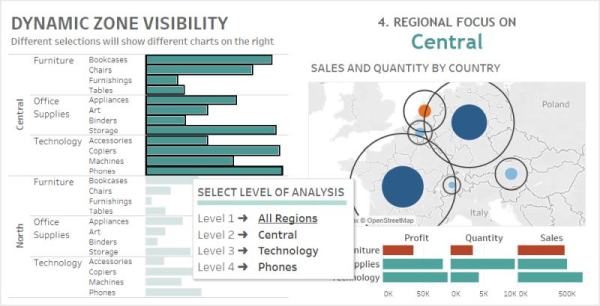
This post steps through my approach - and the calculations used - for creating a dashboard that shows different charts based on five different analysis scenarios by using the dynamic zone visibility feature.
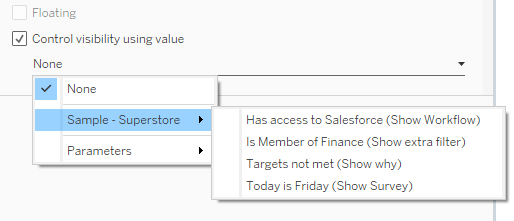
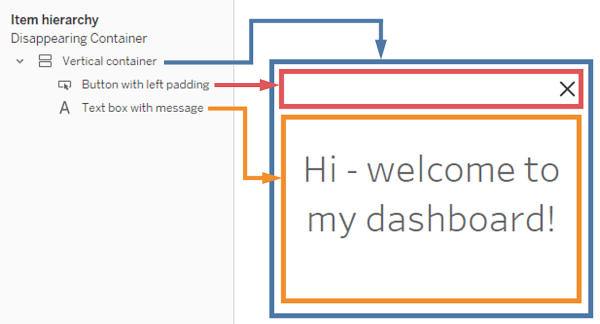
The new Dynamic Zone Visibility feature in version 2022.3 opens up a variety of possibilities for dynamically customising dashboards, showing or hiding charts, filters, images, text, containers and more based on calculations, parameters and the selections of marks.
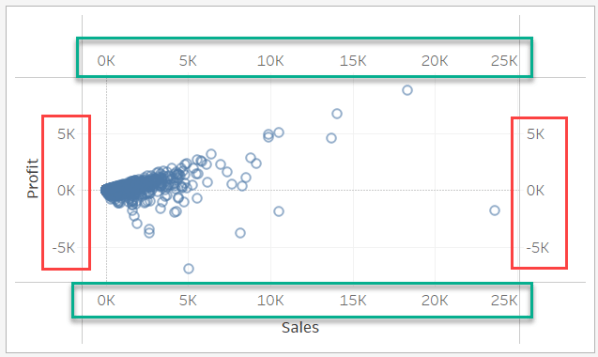
Two approaches to creating multiples axes in your charts without duplicating the number of marks in the view.

Part 2 of this custom number formatting post covers: large numbers, prefixes & suffixes, currency, localisation and Unicode with many examples.
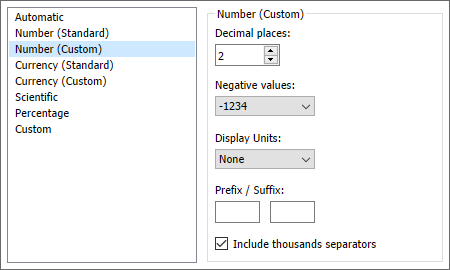
This post covers an introduction to custom number formatting in Tableau with a variety of examples.
 datavis.blog